
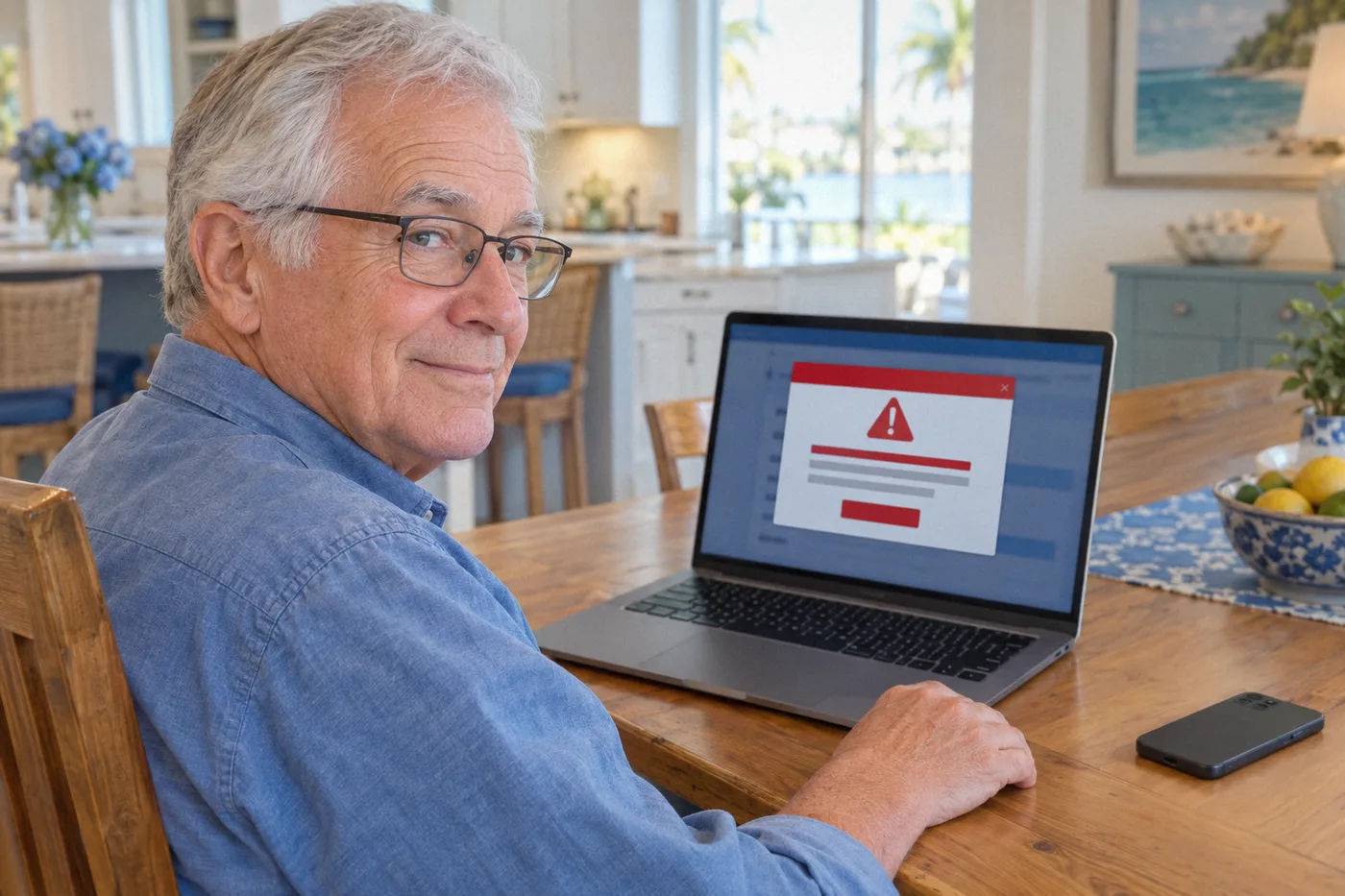
A loud warning fills your screen. It says your computer has a virus and gives you a phone number to call right away. Or the phone rings and a caller says they are from Microsoft or Apple and have found a problem with your computer.
Both are common tricks. Here is how to tell, and what to do.
The warning signs
- The message or call came out of nowhere. Microsoft says it does not make unsolicited calls to provide tech support, and its real error messages never include a phone number.
- They want you to hurry. Scammers try to scare you into acting before you have time to think.
- They ask to connect to your computer. Letting a stranger take control of your screen gives them access to everything on it.
- They ask you to pay in an unusual way. Gift cards, wire transfers, and cryptocurrency are favorites of scammers because the money is hard to get back.
- The phone number came from an ad. Scammers pay for ads at the top of search results that look like real companies. Look for the word Sponsored and skip past those listings.
What to do
- Do not call the number on a pop-up, and do not click anything inside it.
- Close the browser. If the pop-up will not close, restart the computer.
- Hang up on anyone who calls you out of the blue about your computer.
- Find the real number yourself. Use the number on your bill, your device box, or the company’s own website.
- Ask someone you trust before you let anyone into your computer.
If you already gave someone access or payment details, do not panic. Turn off the computer, contact your bank using the number printed on your card or statement, and get your computer checked before you use it again.
Not sure if a message is real? Call TechKnowledgy Team at 239-744-6987. We can come to your home, check your computer, and show you how to stay safe.
Sources: Microsoft Support, Protect yourself from tech support scams and FTC Consumer Advice, How to spot, avoid, and report tech support scams.